01
Open Qbolt.
The app opens directly to your locks. Tap “Bind a lock.”
Qbolt
Ready for your lock.
Keep your phone nearby.
Qbolt H91 · In development
Your fingerprint is always with you. Guest access works once. Your private lock data stays on your phone.
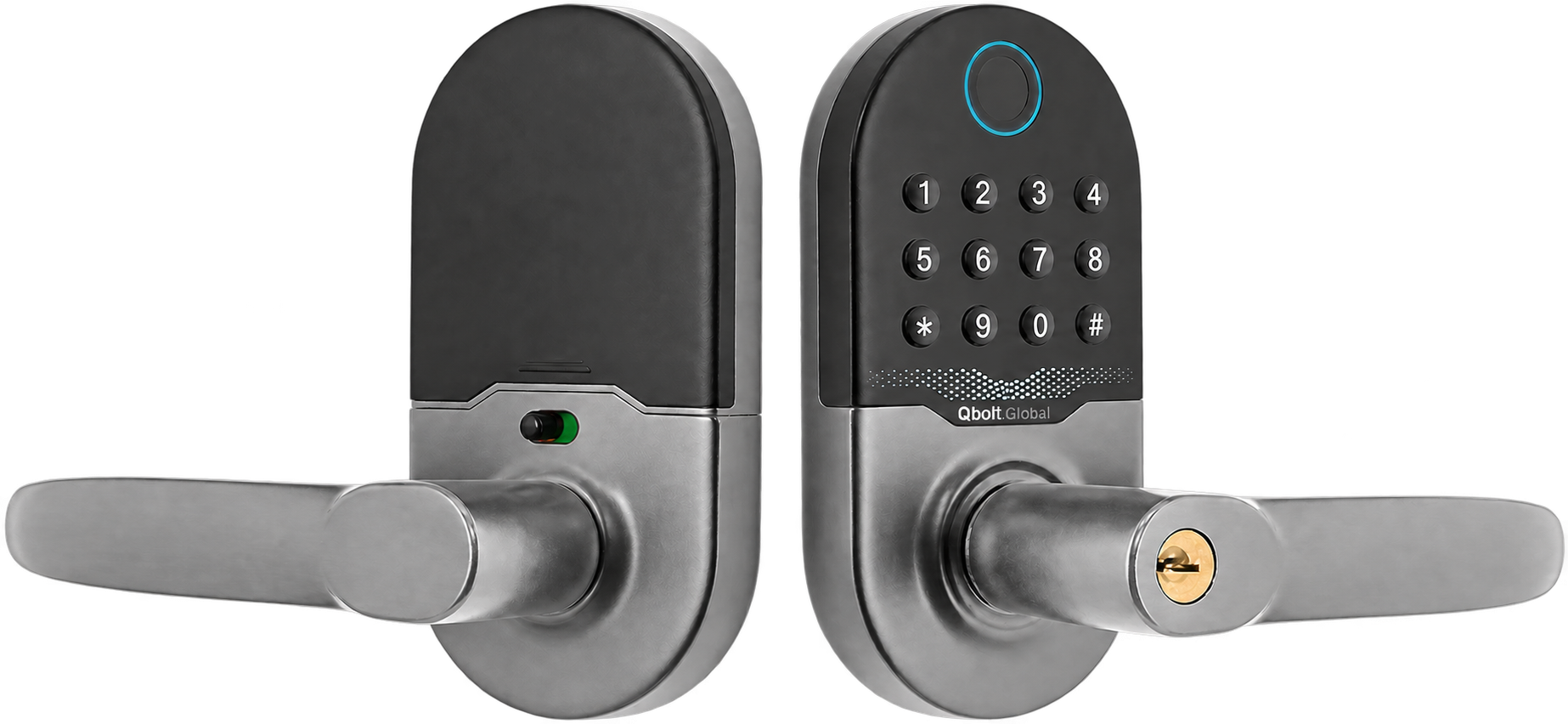
Lock 1 of 2H91
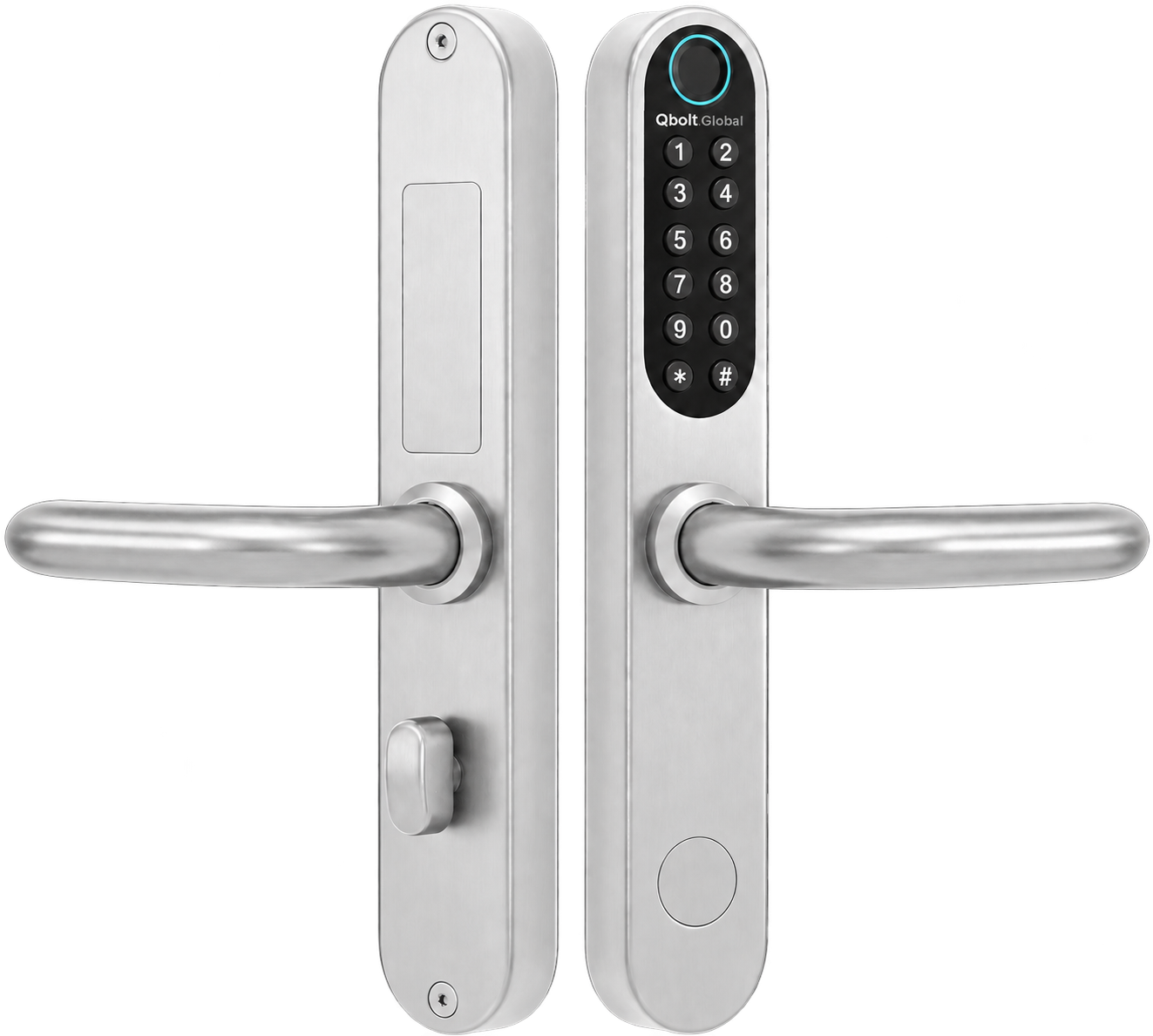
Product imagery: Hune/KEYU H91 and 929-F(III). Final Qbolt configuration and availability are not yet announced.
Nothing to carry.
Nothing permanent to share.
Your phone can be on the charger. Keys can be misplaced. A passcode can be forgotten. Your fingerprint is already with you.
Leave the old shared code behind. Qbolt guest codes are temporary, single-use, and invalid as soon as they open the door.
No account. No long registration. Your lock data stays on your phone, with cloud backup only when you choose it.
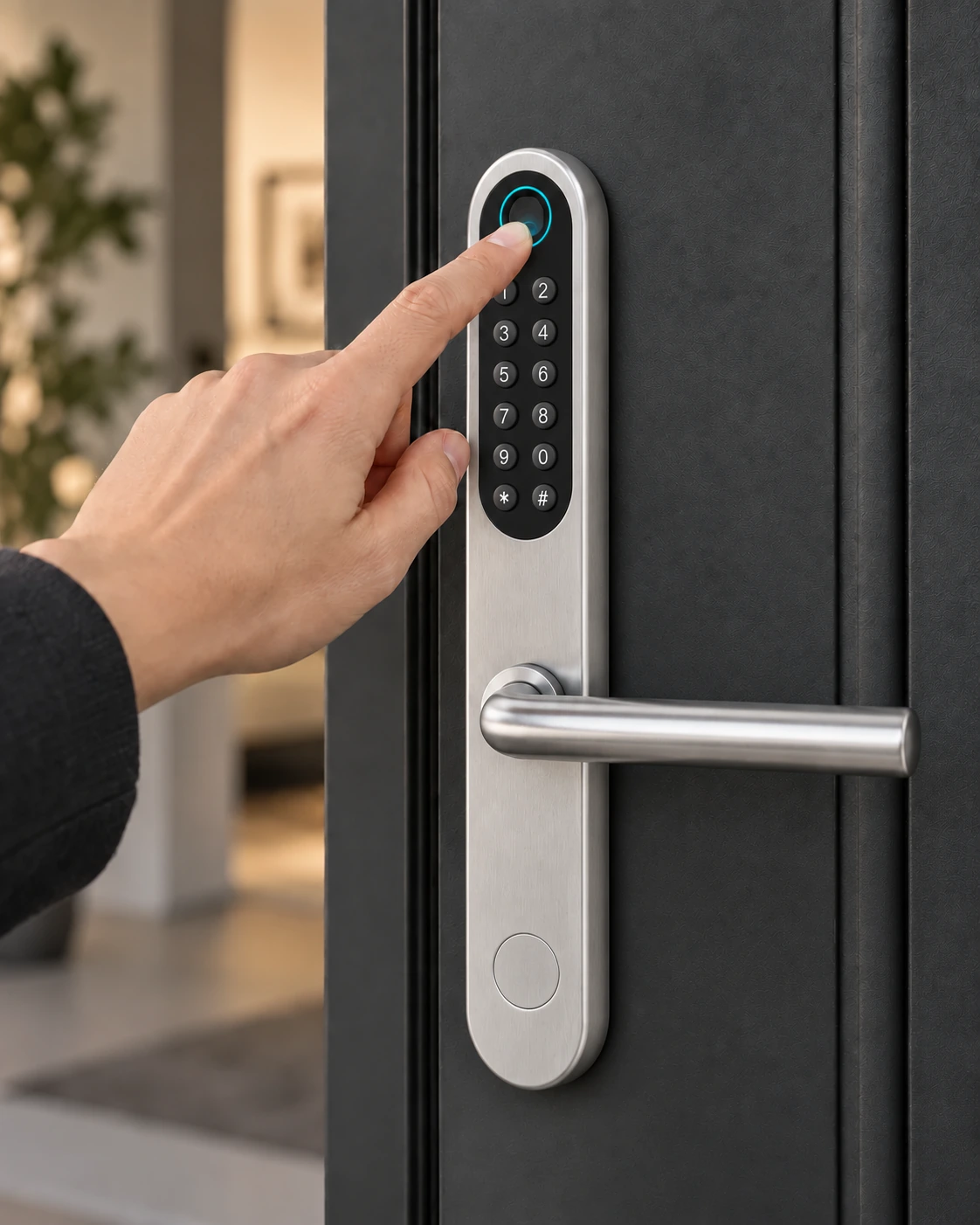
Fingerprint access
Phones get left on chargers. Keys get misplaced. Passcodes disappear from memory. Your fingerprint is already with you.
One touch. You’re in. Enroll multiple people, then delete or re-enroll fingerprints as your household changes.
A repair visit
Send a temporary code for the moment at hand. After it opens the door once, it is invalid.
No set passcode. No household code that gets shared, reused, and quietly lives on for years.
Used once.
Invalid after.
Full privacy
Qbolt is designed around encrypted local data and nearby control—not an account you have to create.
Open Qbolt and bind your lock. No username, no profile, no long registration.
Your lock and access data stays on your phone. Cloud backup is optional and only happens when you choose it.
Nearby control keeps the essential experience direct: your phone, your lock, your decision.
Bind a lock
No account setup between you and your door.
The app opens directly to your locks. Tap “Bind a lock.”
Keep your phone nearby.
Qbolt finds the nearby lock over Bluetooth—without sending you through account setup.
Choose a name you will recognize, then tap once. Your lock is ready in Qbolt.
Saved privately on this phone
Qbolt for Android · In testing
Name and manage multiple locks, unlock nearby over Bluetooth, organize fingerprints, and create temporary guest codes from one straightforward place.
These functions have worked in the current Android test setup. The iOS source preview still awaits Xcode compilation and iPhone testing.
Experience preview · Final interface may change
The hardware
The 929-F(III) pairs a rounded stainless-steel plate with a compact keypad and top-mounted fingerprint reader.
1 Manufacturer-listed panel dimensions. Door-fit and installation requirements still need final Qbolt confirmation.
Two expressions
Built in the open
Development evidence is not a certification or product guarantee. This is the current test snapshot.
Initialization and nearby unlocking have worked with the current test hardware.
Multiple enrollments, deletion, and re-enrollment have worked.
Offline single-use codes work and become invalid after entry; the full timed-expiry test is still pending.
The iOS source preview awaits Xcode compilation and iPhone testing.
Before you ask
Not yet. Pricing, commercial availability, shipping, and warranty details have not been announced.
No. Qbolt is designed for local setup without an account or a long registration. Lock data stays on your phone, and cloud backup is optional.
No iPhone release is being claimed. The current working test setup is Android; the iOS source preview still needs compilation and device testing.
The current design is approximately three hours and single-use. The complete expiry test remains pending.
Final door-fit and installation requirements are still being confirmed. The page does not yet make a compatibility guarantee.
Stay close
Concept only—this form does not send or store information yet.